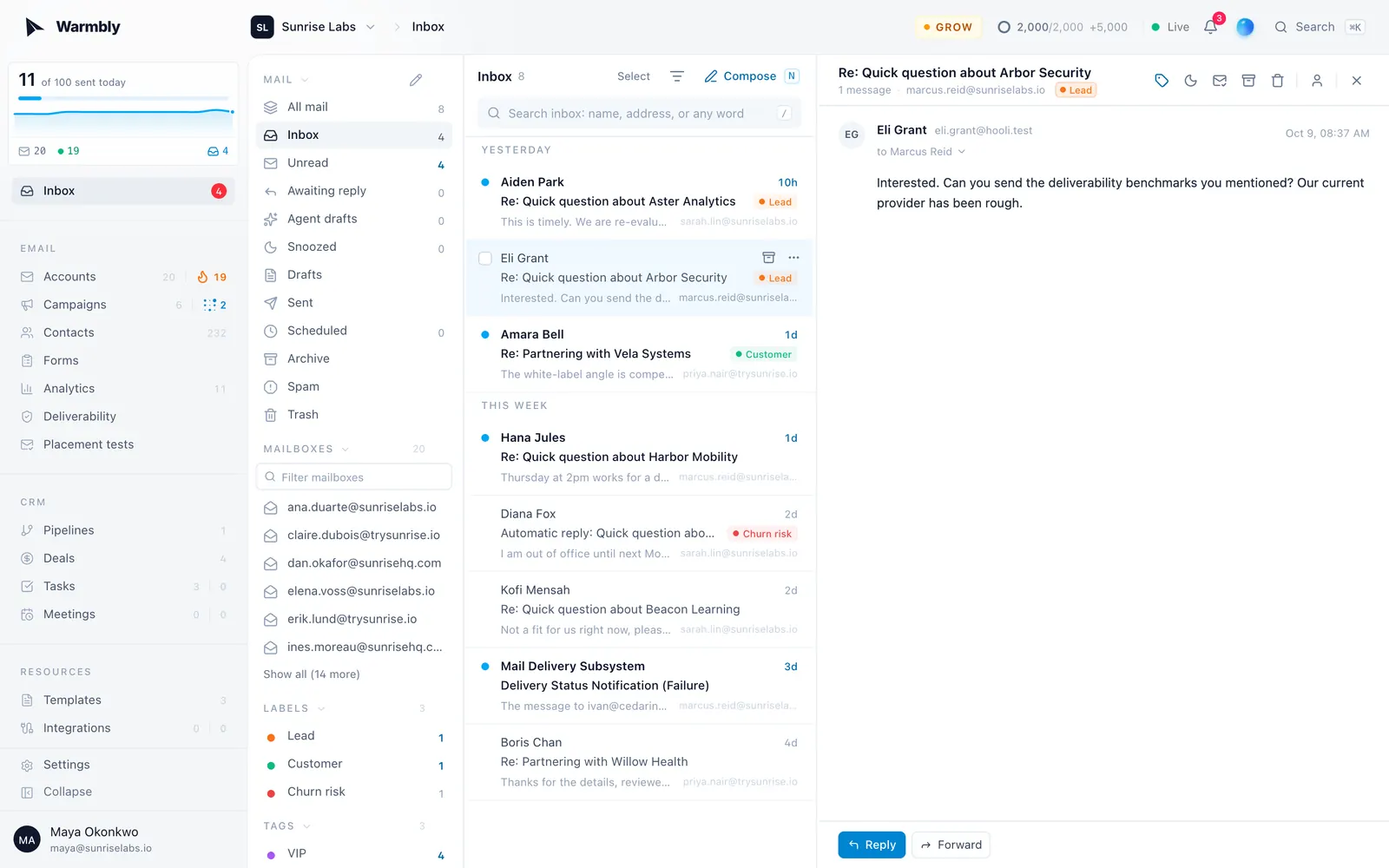
Getting started
Connect a mailbox, warm it up and send your first campaign.
Warmbly sends cold email from mailboxes you own. It warms them up, spreads your campaigns across them, and brings every reply into one inbox.
The product tour
The first time you open the dashboard, whether you signed up or joined a workspace by invitation, it opens on a tour of the whole product. It runs in chapters (mailboxes, campaigns, contacts, the inbox, analytics, the CRM, automations, Remie and Slack) and ends on the plans: what every plan includes, how they compare on daily sends, AI credits and isolated sending, and the plan cards to pick one. A workspace that already has a plan sees which one it is on, with the owner able to upgrade or switch from the same cards. On a self-hosted instance without billing every feature is already on, so the cards link to the hosted plans on warmbly.com instead, next to a way to warm the instance's mailboxes in the hosted pool through Warmbly Cloud. On a phone or a narrow window the chapters sit in a row along the top, and you can swipe between slides. Each slide highlights where that part lives in the sidebar and shows it filled with sample data. Remie narrates along the way, and every slide carries a request you could give Remie instead of clicking through it yourself.
- Skip tour in the corner, Skip the tour under the chapter list, or
Escapeends it at any slide. Skipping first shows the plans once, where the owner of a workspace without a plan can choose one straight from its card; skipping again, or Maybe later, closes the tour. The arrow keys move between slides, and any chapter in the list opens straight away. - Finishing or skipping it is saved to your account, so it does not open again on another device. Replay it any time from your profile menu at the bottom of the sidebar: Take the tour.
- The tour changes nothing in your workspace. The data in it is made up.
Set up your workspace
Connect your mailboxes
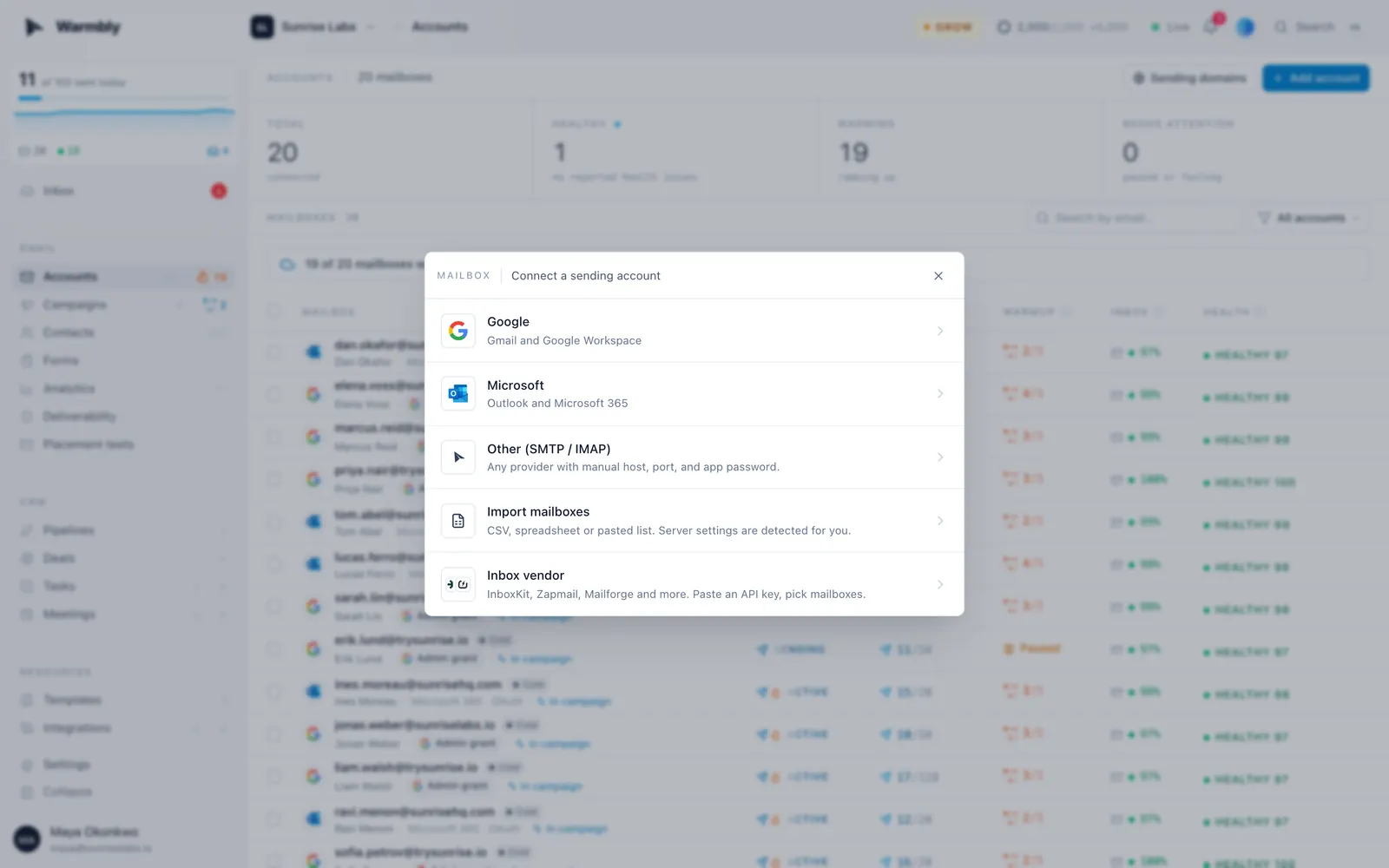
Open Accounts and choose Add account. Connect Google Workspace or Microsoft 365, or any host over SMTP and IMAP.
Check your domains
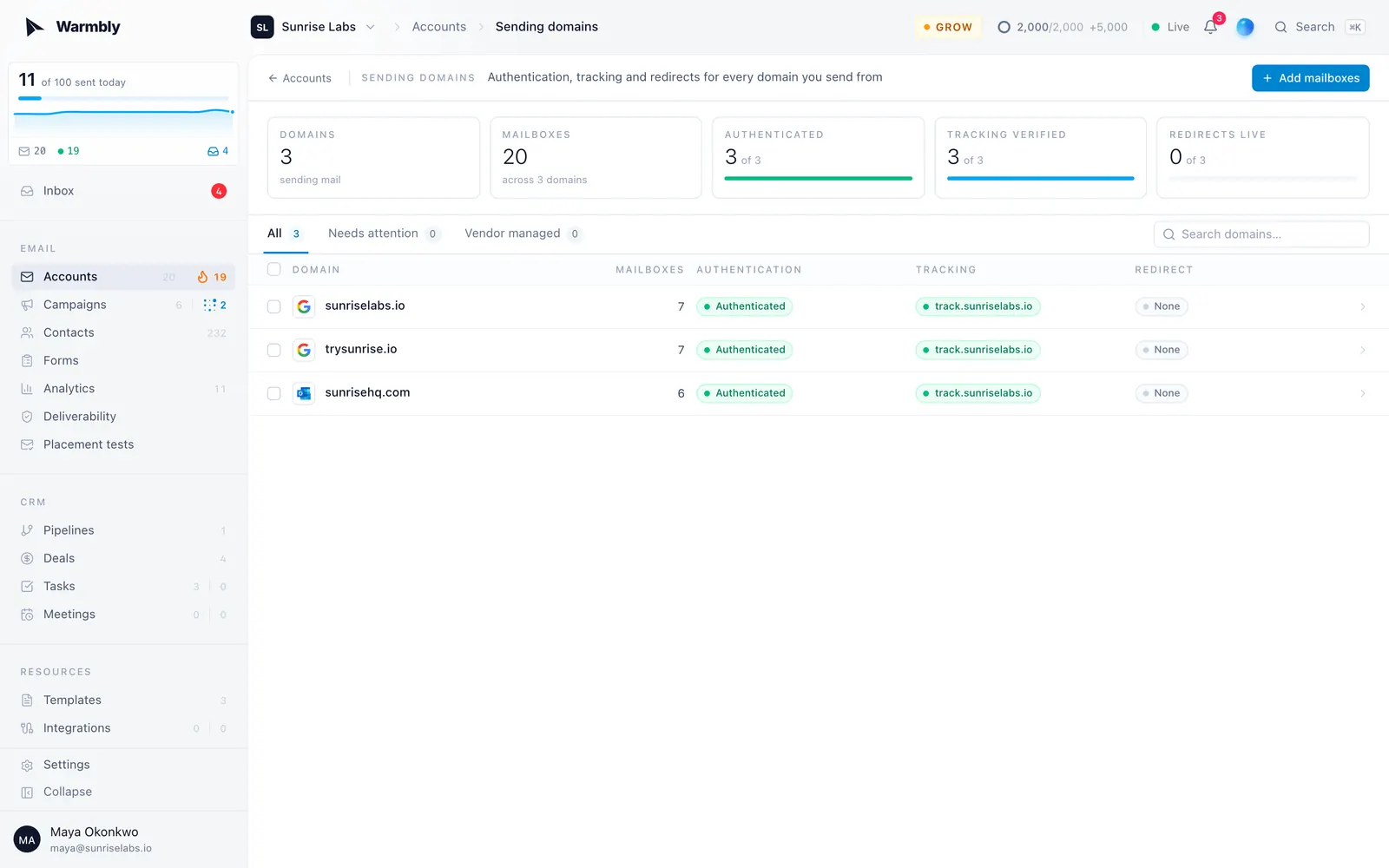
Sending domains shows whether SPF, DKIM and DMARC are published for every domain you send from.
Turn on warmup
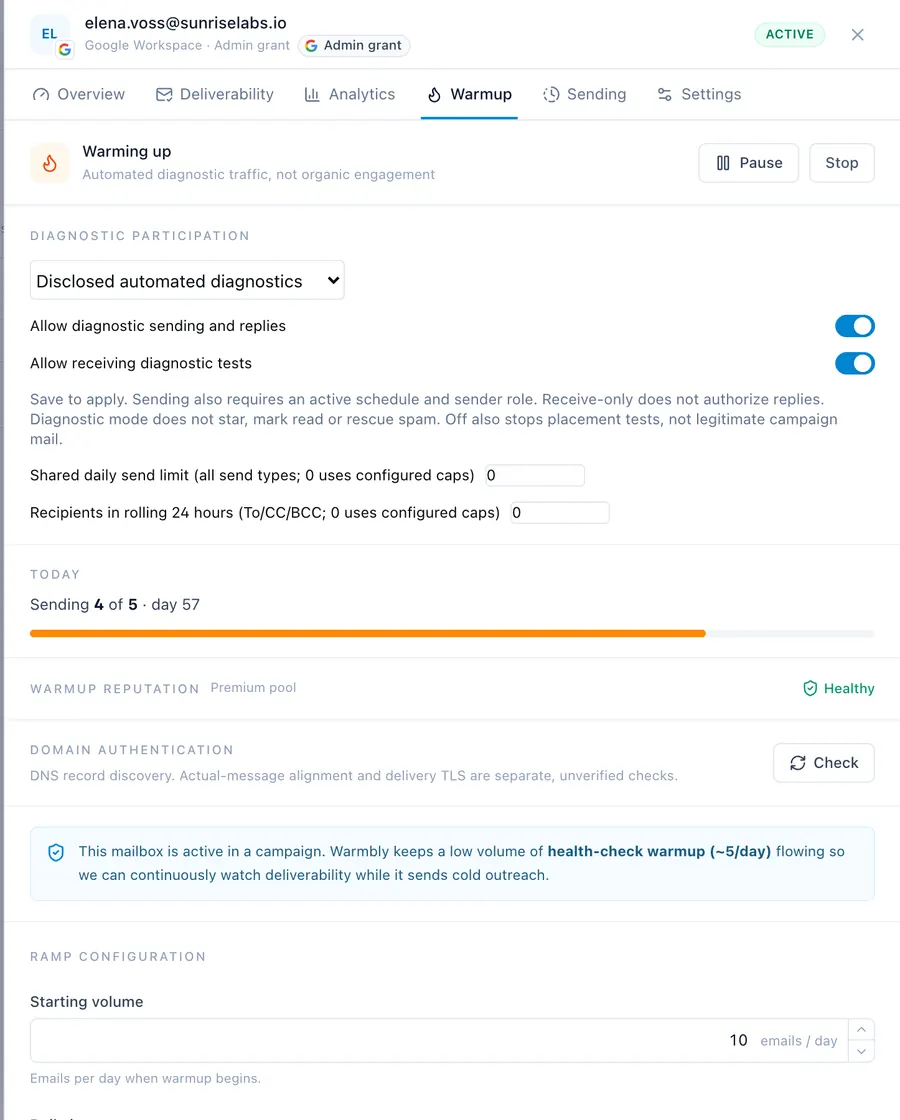
New mailboxes start with warmup off. Switch it on from the mailbox's Warmup tab. Warmup is part of every paid plan.
Send a campaign
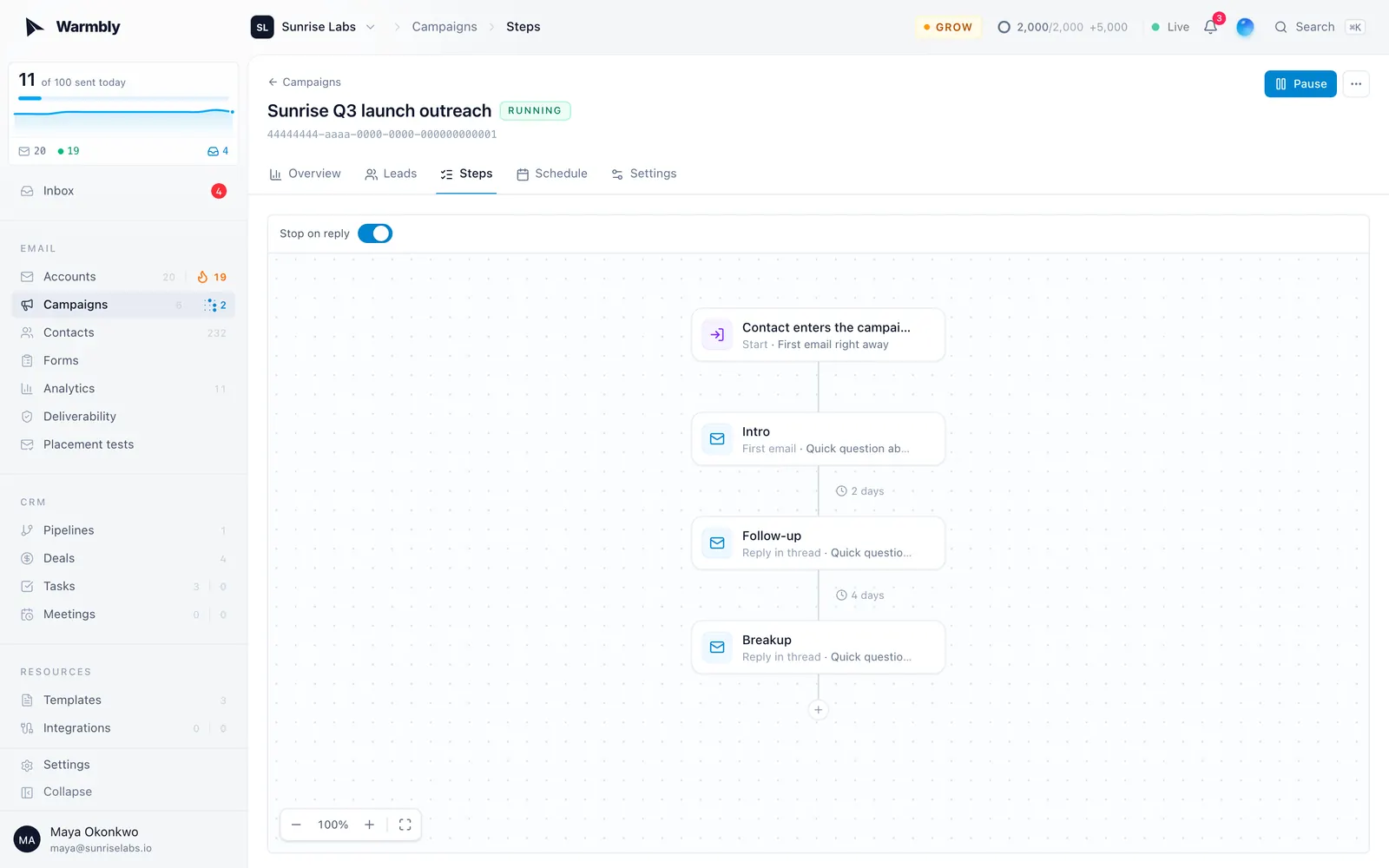
Open Campaigns, choose New campaign, write the emails, add contacts and pick the sending hours.
Answer the replies
Every reply, from every mailbox, lands in the Inbox. With inbox tagging turned on, replies are also labelled by what the person wants.